
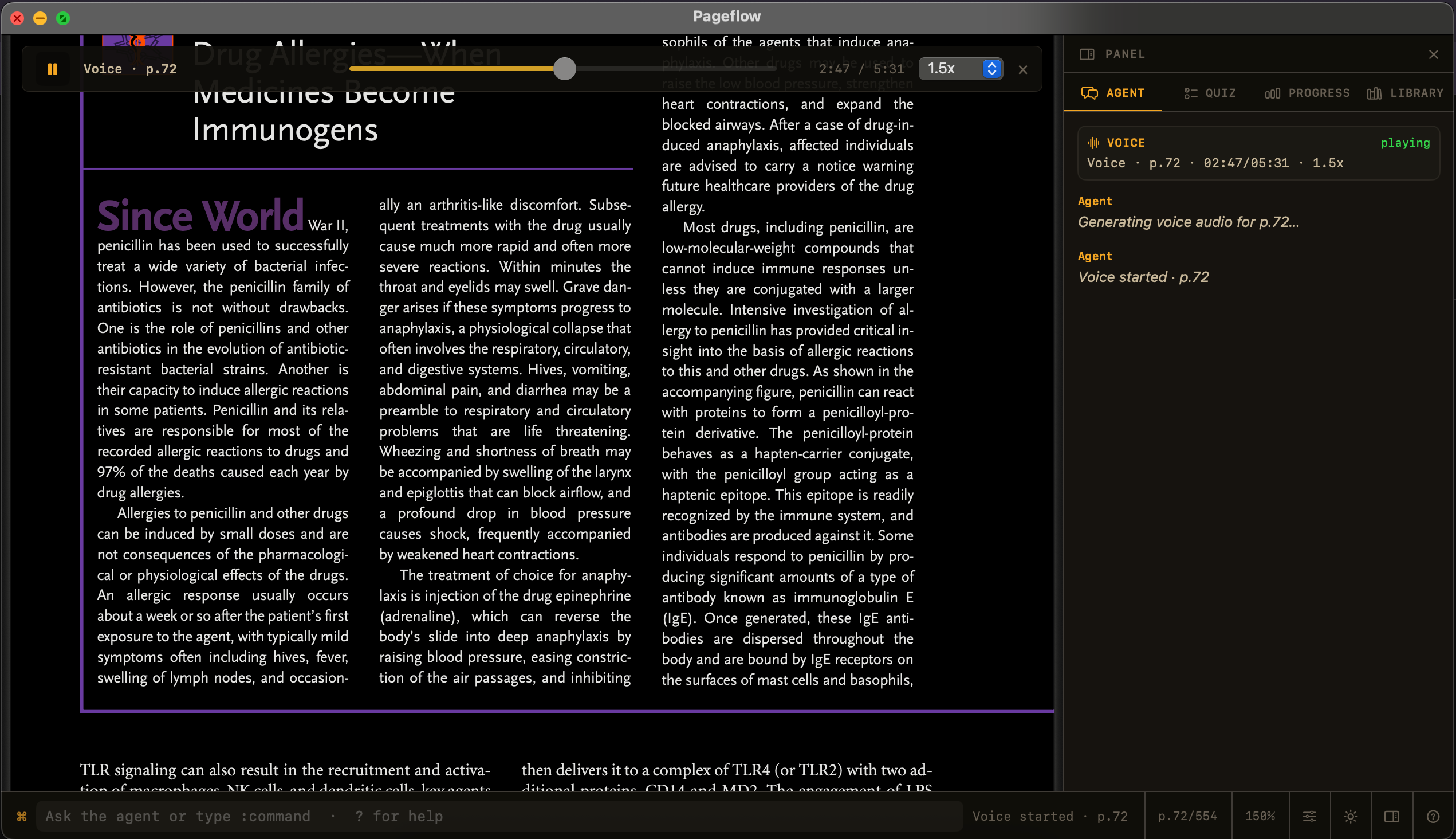
Listening can rescue a document at exactly the moment reading stalls. You may be tired, walking, commuting, or simply need to hear a difficult paragraph before its structure becomes obvious.
Most document-to-audio tools solve this by turning the file into another artifact. The PDF becomes an audio queue. Your location in the argument, the figure beside the paragraph, and the annotations you made along the way become secondary.
One position, two modes
Pageflow treats listening as a change of modality inside the same reading session. Choose a page range, generate narration, and keep the source in view. Pause to inspect a figure. Change speed. Ask about the sentence that did not land. Then continue from the same place.
The document should not disappear merely because your eyes need a break.
Why local generation matters
Long documents make cloud voice costs and privacy tradeoffs unusually visible. Local narration lets repeated listening remain ordinary: no per-minute calculation, no upload of the source, and no dependency on a queue.
Local does not mean magical. Models take disk space, first runs can be slower, and pronunciation still needs work—especially for names, equations, and specialist vocabulary. Pageflow presents cloud voices as an explicit alternative rather than pretending those tradeoffs do not exist.
The next step is tighter synchronization
The real opportunity is not merely higher-quality speech. It is a reading surface where the spoken word, visible sentence, current page, notes, and questions stay synchronized. That makes audio useful for close reading instead of only passive consumption.
Pageflow is being built toward that continuous loop: read, listen, inspect, ask, and resume without reconstructing your place each time.